Other
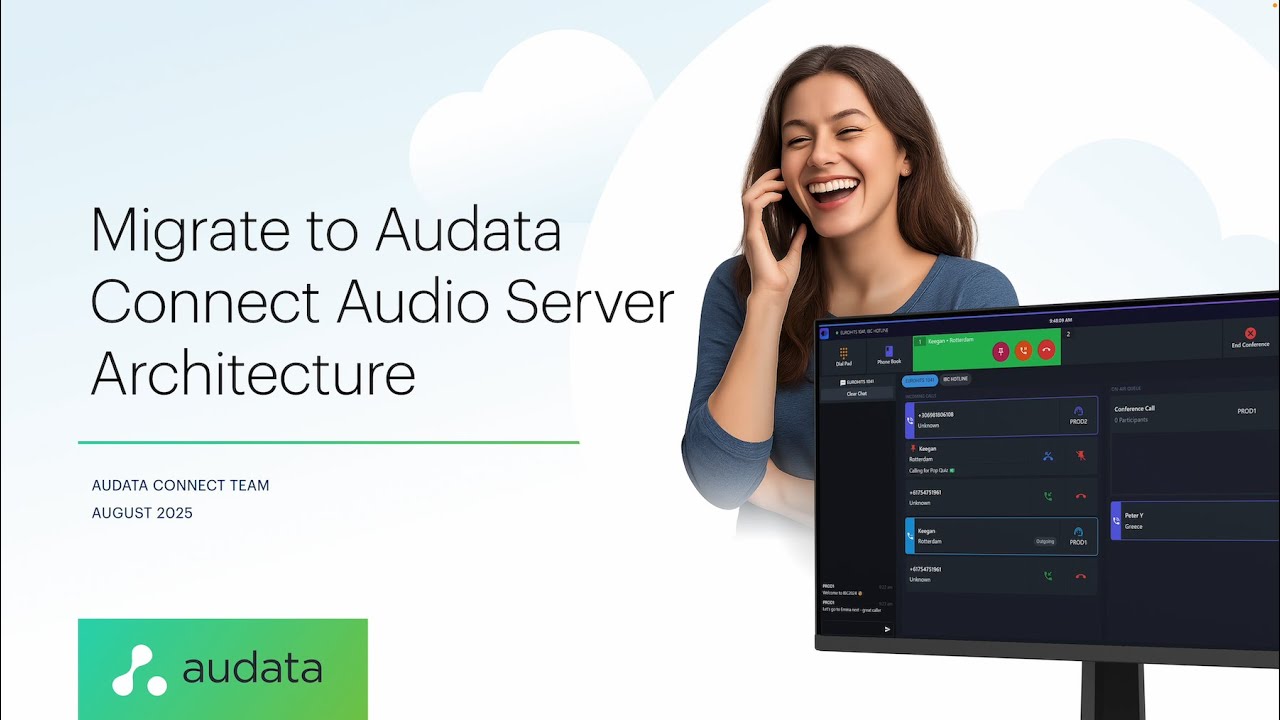
Audata Connect Audio Servers Webinar
A webinar to explore the future direction of the Audata Connect ecosystem with Audata Connect Audio Servers, and information about migrating from Audata Connect Desktop.
Watch video
Videos
Product demos, feature walkthroughs, and stories from customers around the world.
A webinar to explore the future direction of the Audata Connect ecosystem with Audata Connect Audio Servers, and information about migrating from Audata Connect Desktop.
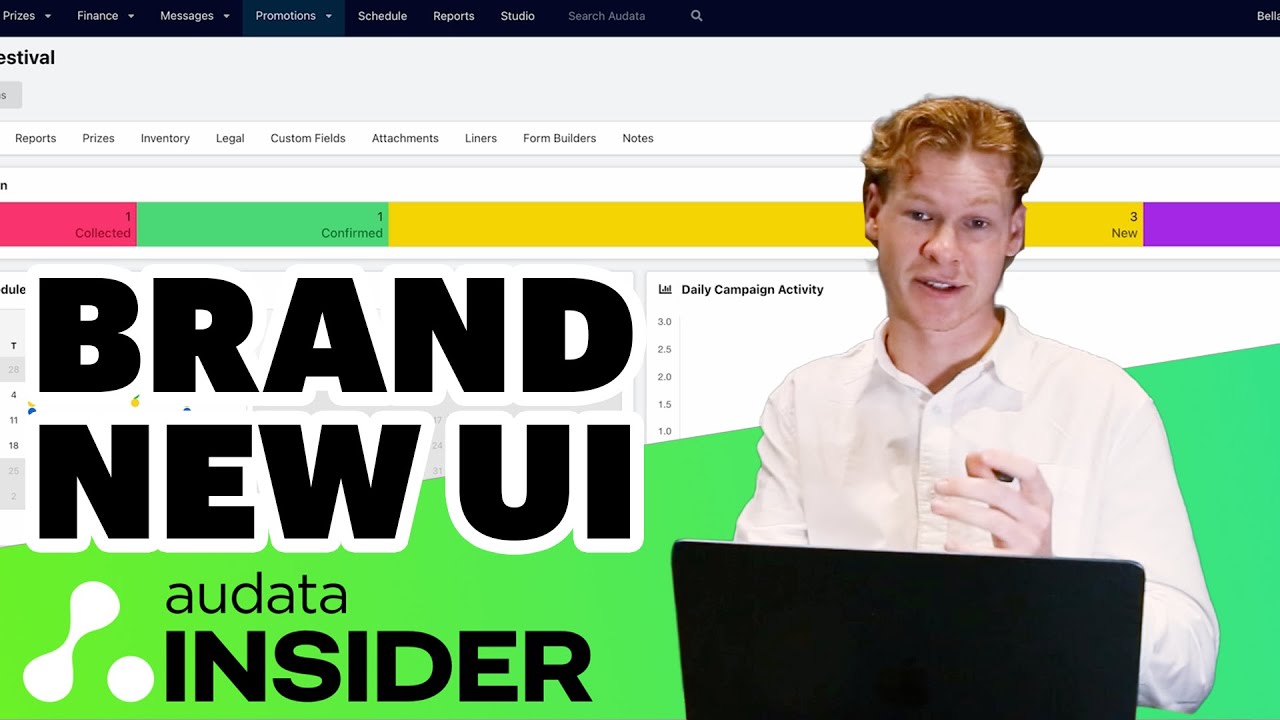
Welcome to our new series, Audata Insider! This week, join Audata Software Engineer Mitch Callahan for a first look at brand new UI tools for Campaigns, Liners, and Inventory Items inside Audata Promo.
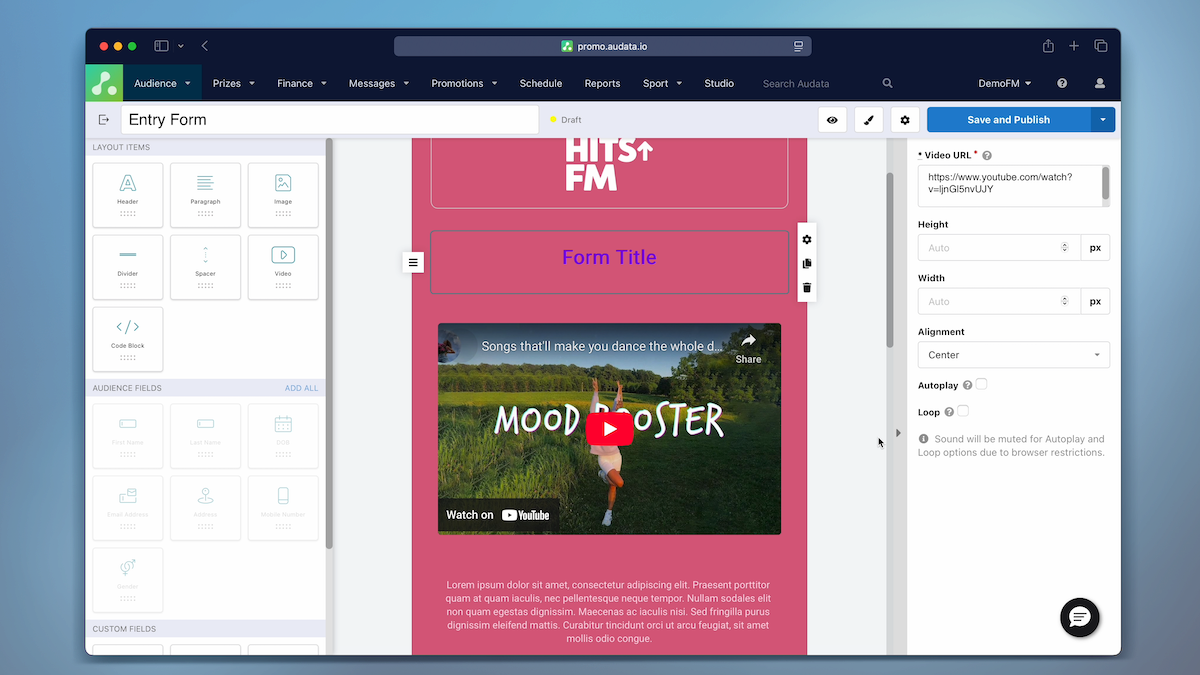
Take a look at the new Form Builder inside Audata Promo and some tips to get started building awesome Web Competition Forms.
Announcement video for Connect: the Cloud Broadcast Phone System from Audata.
Want to only see the prizes that a relevant to you? There is a very easy way to do this.
This video explains how to set up a Keyword in Audata Messenger which is a great tool for running text competitions.

Get your listeners directly involved with your shows with Audata Messenger Polls. Set the topic and the keywords and let your listeners do the rest. This is a great feature for song requests, heated discussions, anything you can think of! You need Audata Messenger to access this feature.
This video explains how you can customise shows in your schedule to reflect your station line up more accurately.
Make sure none of your prizes go to waste! By creating a declined prize status you give winners the change to decline their prize giving your other listeners a chance to win. This would be especially helpful for date sensitive prizes.